Étude de cas 09 / 12
← Tous les projetsCette étude de cas n'est disponible qu'en anglais pour l'instant.
Space Shooter
Your phone is the controller. Tilt to steer, tap to fire.
01 The idea
An arcade shooter on your screen, steered by the phone in your hand.
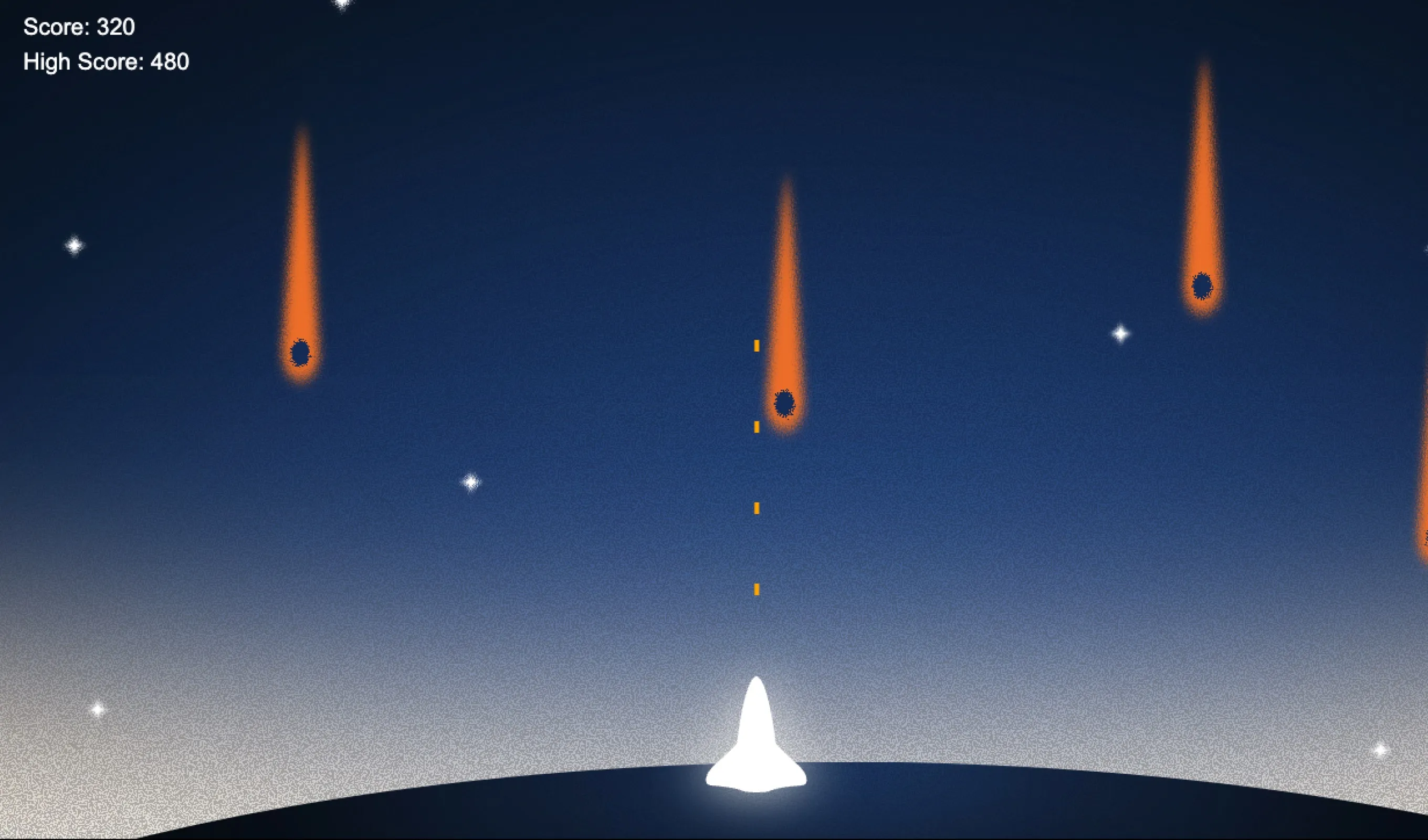
The desktop browser becomes the game screen and your smartphone becomes a wireless controller. Meteorites fall from the sky while your rocket waits at the bottom. Tilt the phone to move, tap to fire a laser. Scan a QR code and you're playing: no app, no install, no keyboard.
No app. No cables.
Just scan, tilt and shoot.
02 How it works
A server introduces the two devices, then steps out of the way.
Scan to connect
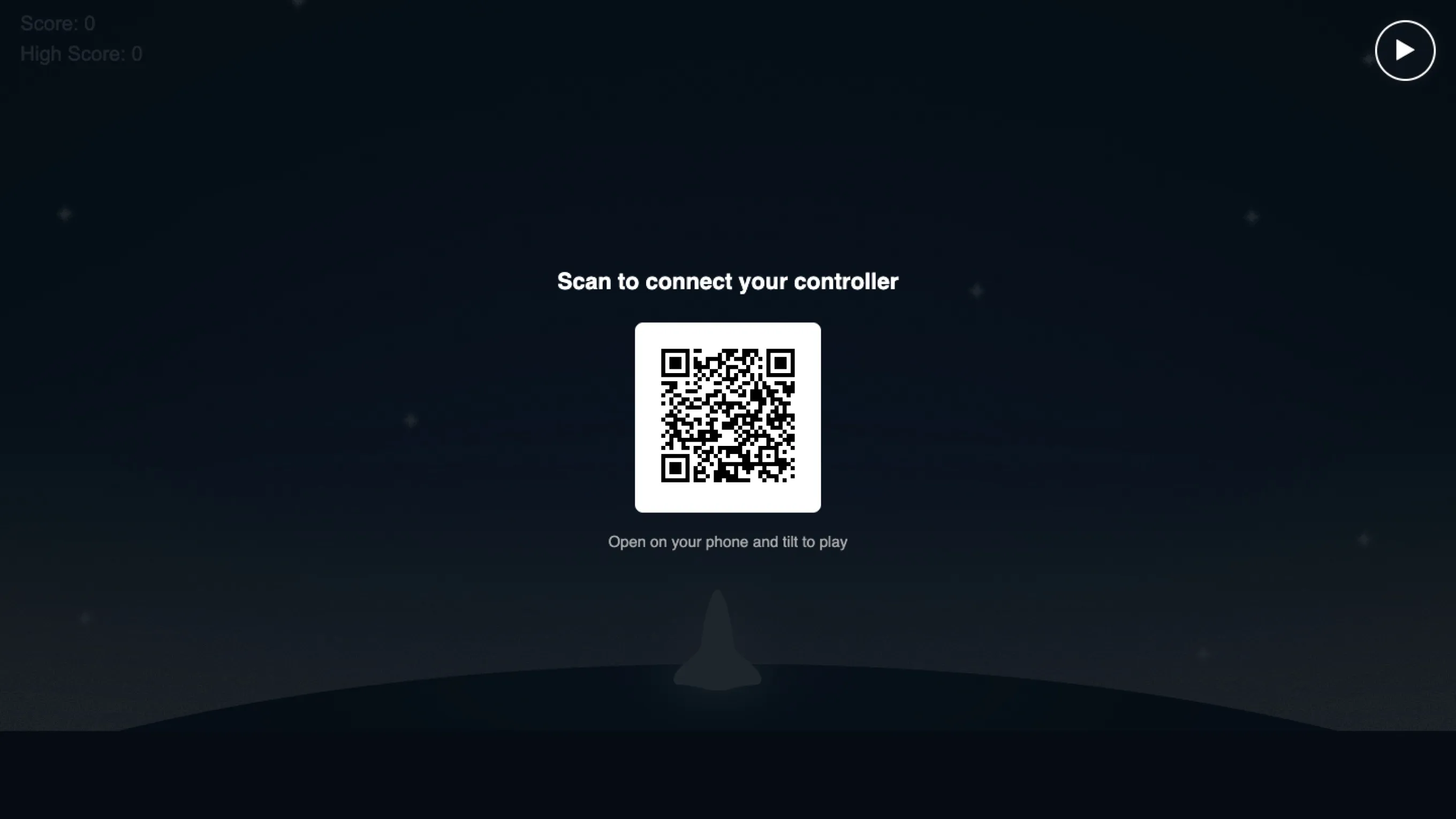
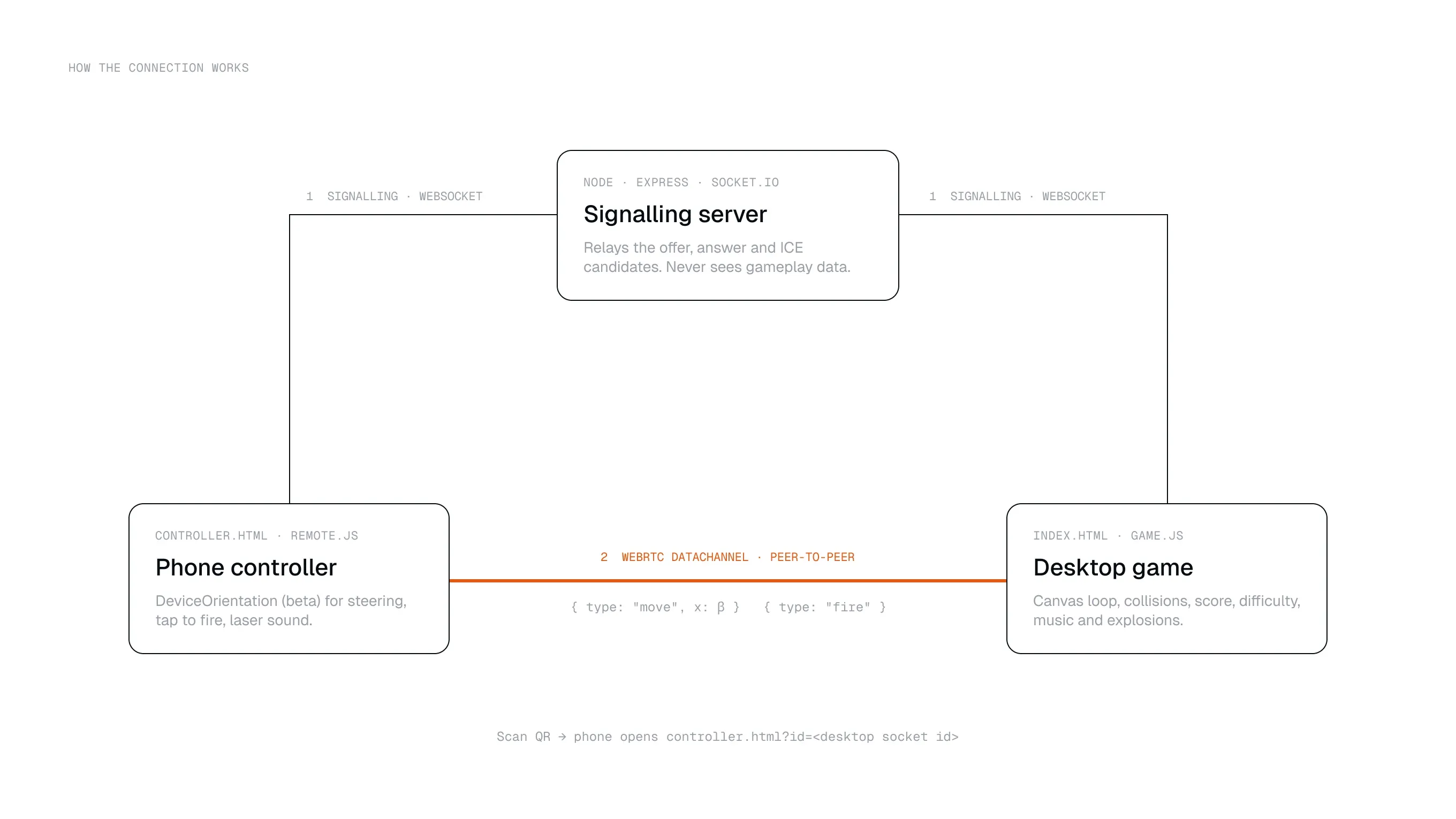
The desktop shows a QR code with its socket id. Scanning it opens the controller on the phone.
WebSocket signalling
A small Node, Express and socket.io server only relays the offer, answer and ICE candidates.
Peer-to-peer data
Tilt and fire commands then travel directly phone-to-desktop over a WebRTC DataChannel, with near-zero lag.
Desktop runs the game
Physics, collisions, score and difficulty all live on the desktop canvas. The phone only sends input.
03 Making it feel right
Most of the work was making it feel natural on a real phone.
Landscape, like a real remote
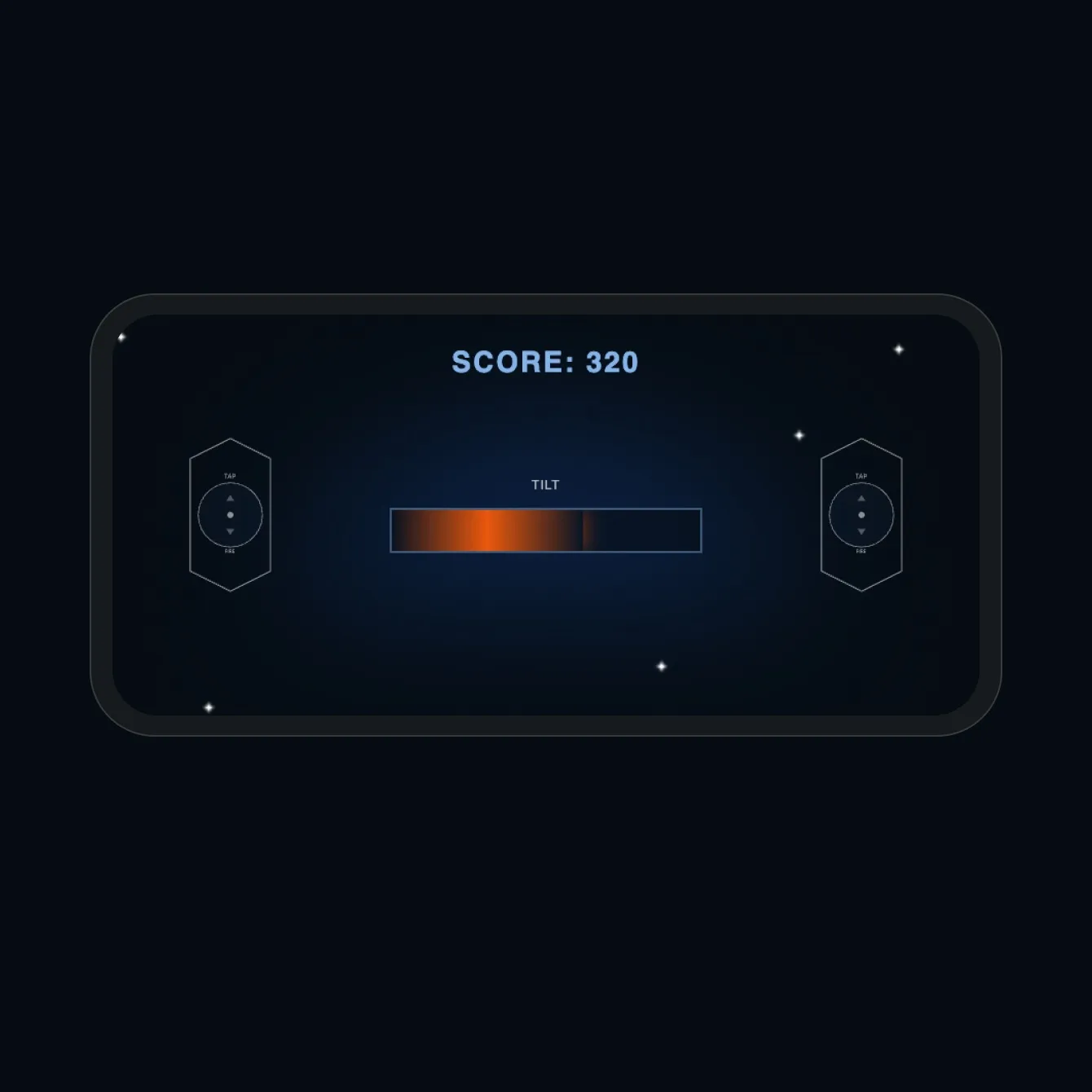
Holding the phone upright felt wrong, so the controller asks you to rotate and reads the beta axis, clamped to ±45° for snappy steering.
Gyro on iOS
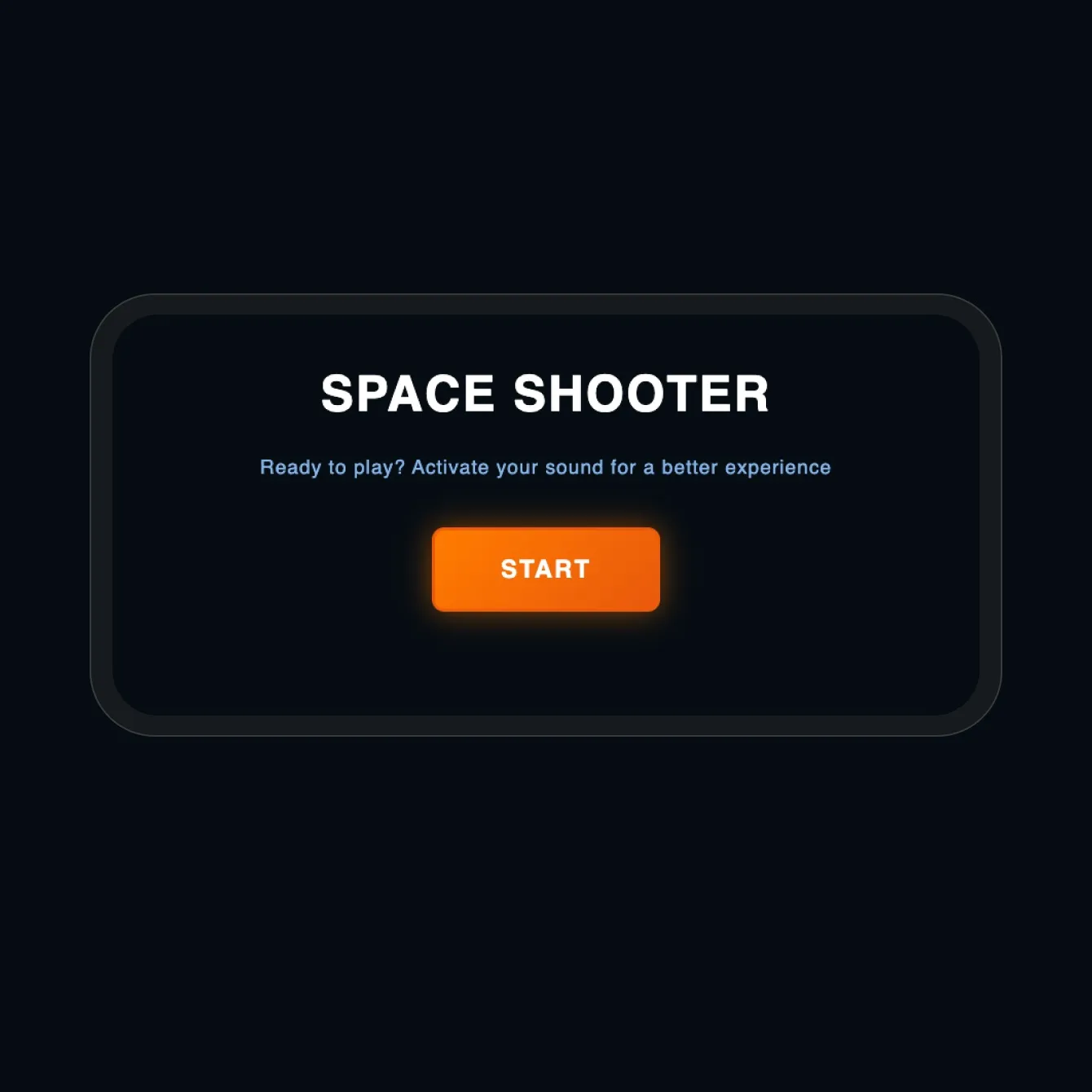
iOS only grants gyroscope access over HTTPS and after a tap, so the server runs on a certificate and a start button asks permission.
Sound across two devices
Web haptics are blocked on iPhone, so the laser plays on the phone as instant feedback, while explosions and an 8-bit Interstellar theme play on the desktop.
04 What I learned
Real-time only feels effortless when every state is handled.
Play-testing exposed a race: tapping Start before the peer connection was open sent the ready signal into the void. Queuing it until the channel opens, plus a clear state model (QR only while disconnected, game over only while connected) made the game reliable. I used AI as a starting point and rewrote whatever didn't hold up on real devices.